SansanandClaude Opus 5.5
06421bb63e
SansanandClaude Opus 5.5
06421bb63e
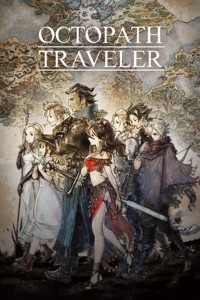
Cover menu in the soundtrack popup ("Change cover"):
- Choose picture uploads a JPEG, PNG or WebP picture (up to 10 MB).
- Pick by ID uses a game's cover on SteamGridDB or an anime's on AniList.
- Remove cover deletes it, so the server searches for a new one.
- The server's reason is shown when it refuses a change.
After a change the new cover time is fetched, and the popup, the
statistics card and the quiz show the new cover.

Quiz: once the answer is shown, the soundtrack's cover shows to the left of
the titles. Cover and titles are centered together, left and right and up
and down, and each title keeps to two lines. Cover times come from the
soundtrack list, and songs keep their soundtrack's UUID, also in saves.

Requests can now send any body with its content type, and every 2xx answer
counts as success. Cover frames are 2:3 like the server's covers. Small
copies of real covers are used by the tests and screenshots.

Co-Authored-By: Claude Opus 5.5 <noreply@anthropic.com>
32 KiB
200x300px
32 KiB
200x300px